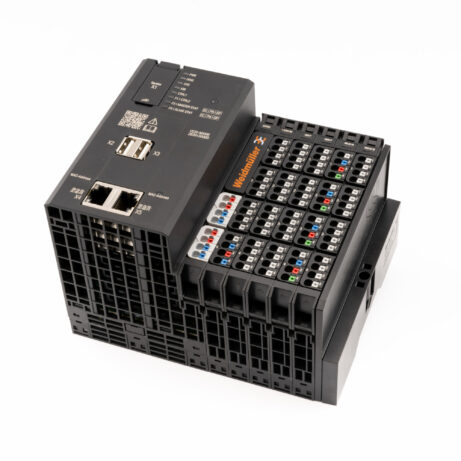
Get started with REXYGEN on Weidmüller u-OS PLC
The Getting started guide describes the installation procedure and leads you through your first project
- 1Install the REXYGEN RuntimeUse the u-OS Control Center to install the prepared application with the REXYGEN system.
- 2License Your DeviceObtain a licence for your device or try the free DEMO licence.
- 3Install Development ToolsInstall the development tools on your computer. Open the sample project for the Weidmüller u-OS PLC and download it to the device.
- 4Program Your Device with REXYGENModify the sample project or start a new project from scratch.