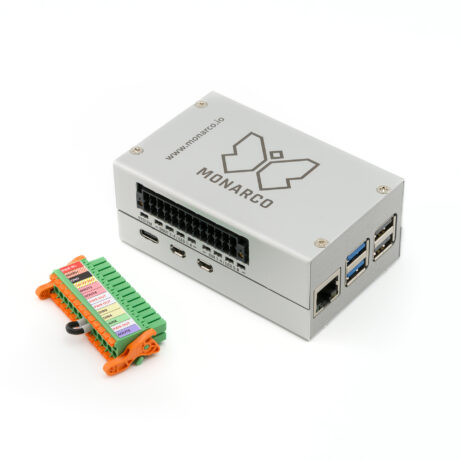
Get started with REXYGEN and Monarco HAT on Raspberry Pi
The Getting started and Tutorials guide walk you through the installation process and guide you through creating your first project. The guide describes the following steps in detail:
- 1Installation of the REXYGEN runtimeDownloading the prepared image with REXYGEN runtime and flashing it to the device.
- 2Using the default configurationThe image provides a default example for Monarco HAT, including an HMI and a UPC UA interface. After licensing, the example can be used immediately.
- 3Creating your own program in REXYGENInstallation of development tools on the development PC. Modify an existing example or create your own project from scratch.